10/23/26




10/22/26












10/16/26
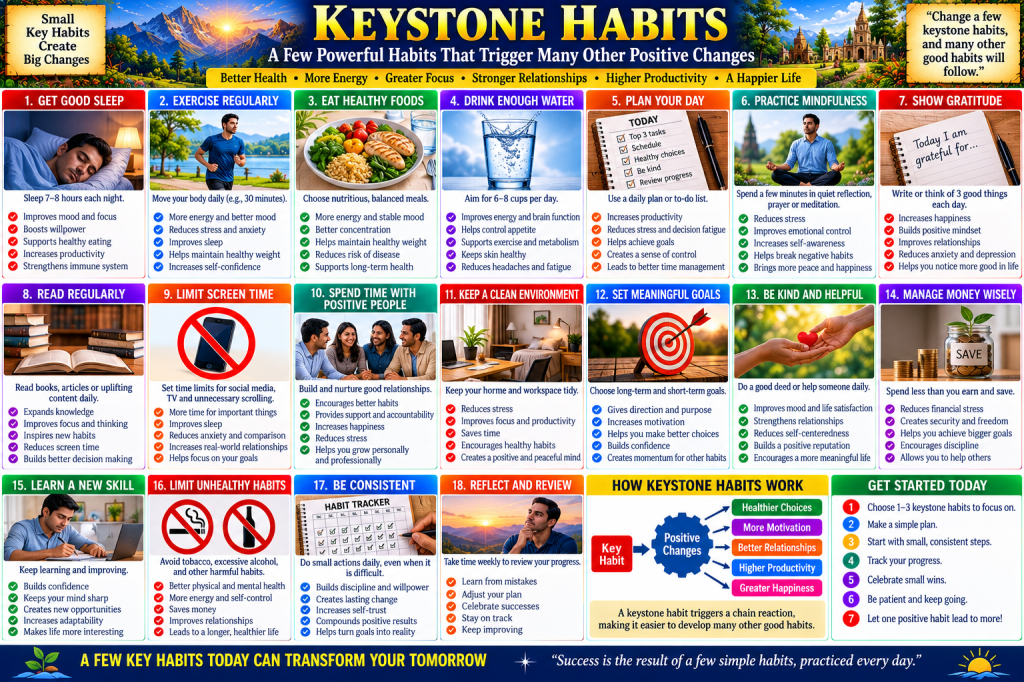
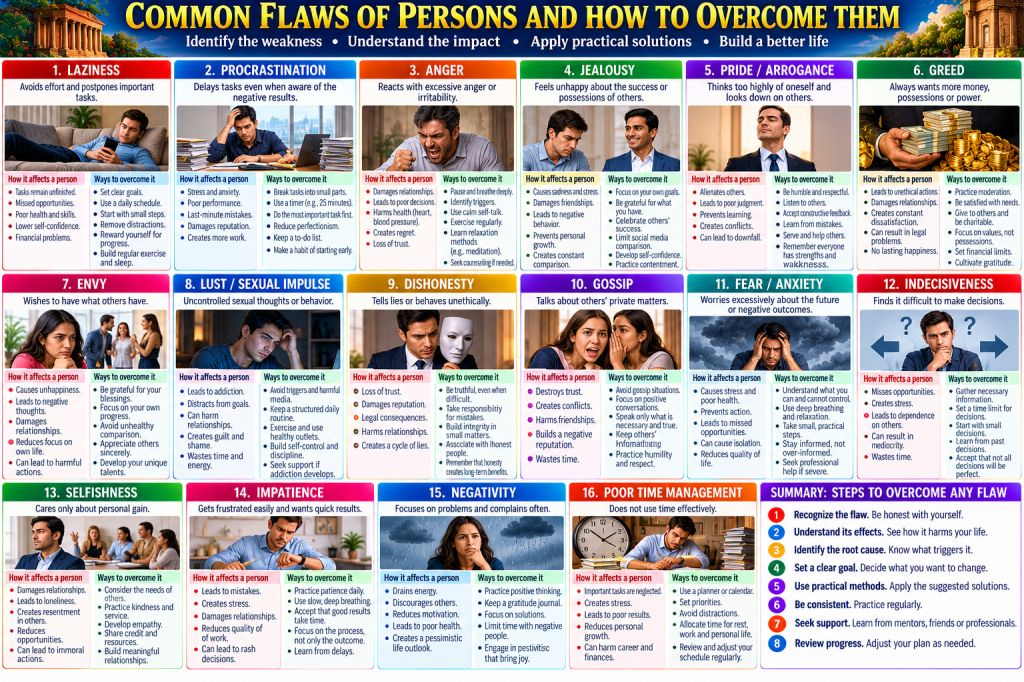
Mental health tips
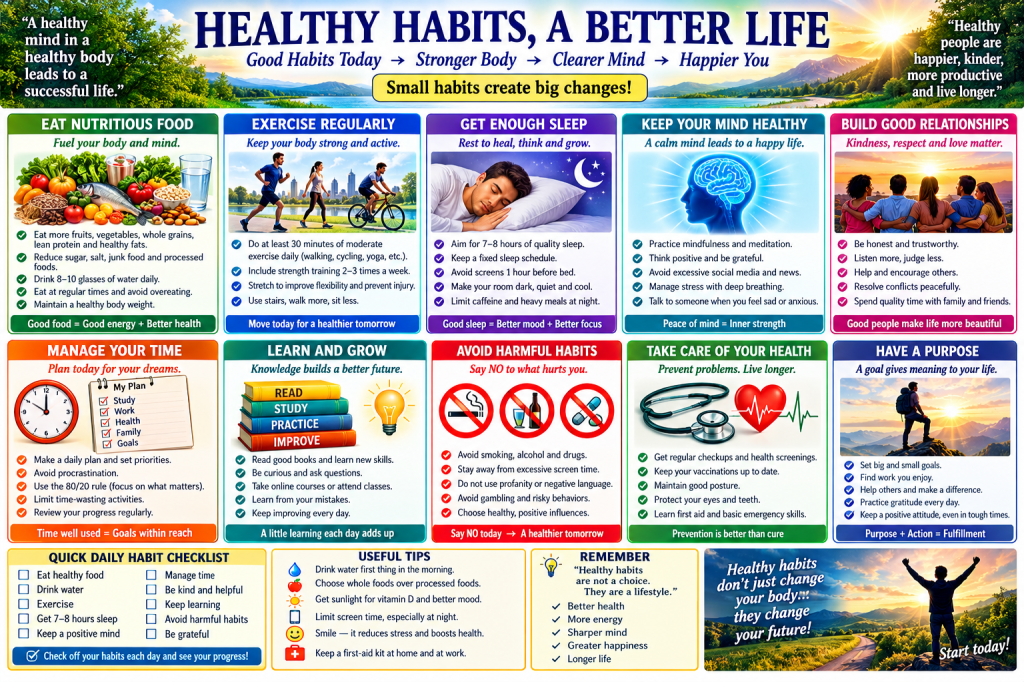
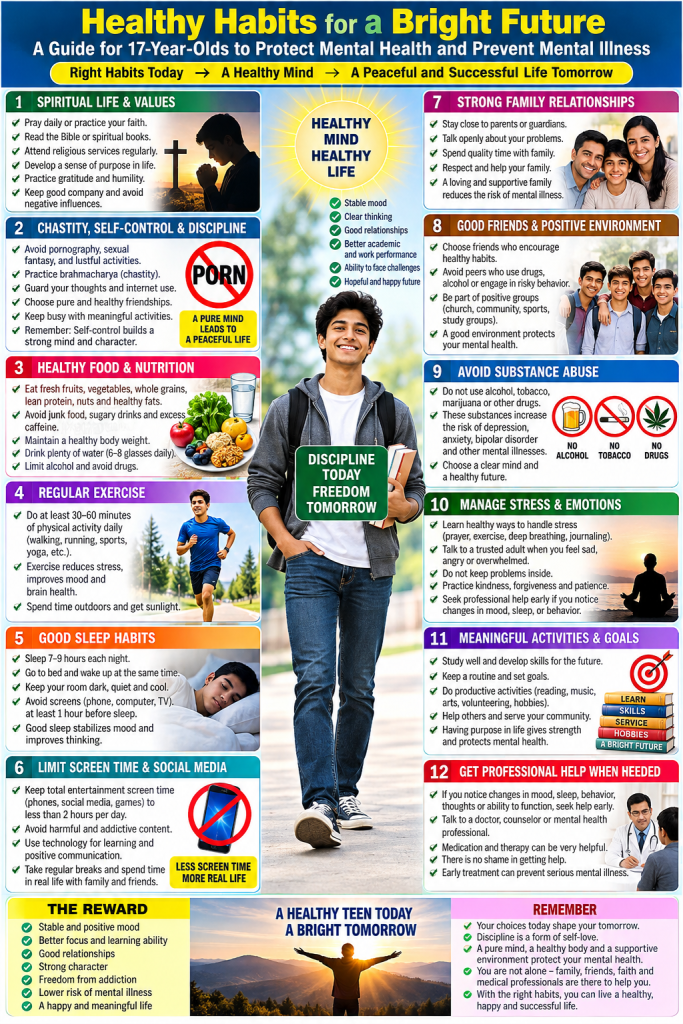
HEALTHY HABITS FOR A BRIGHT FUTURE
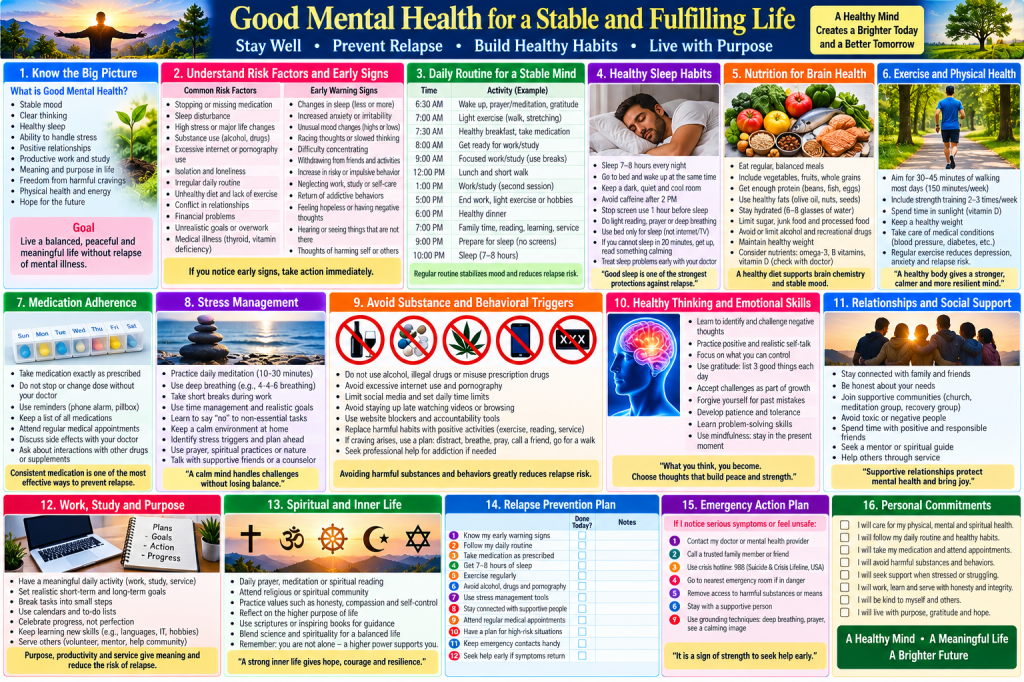
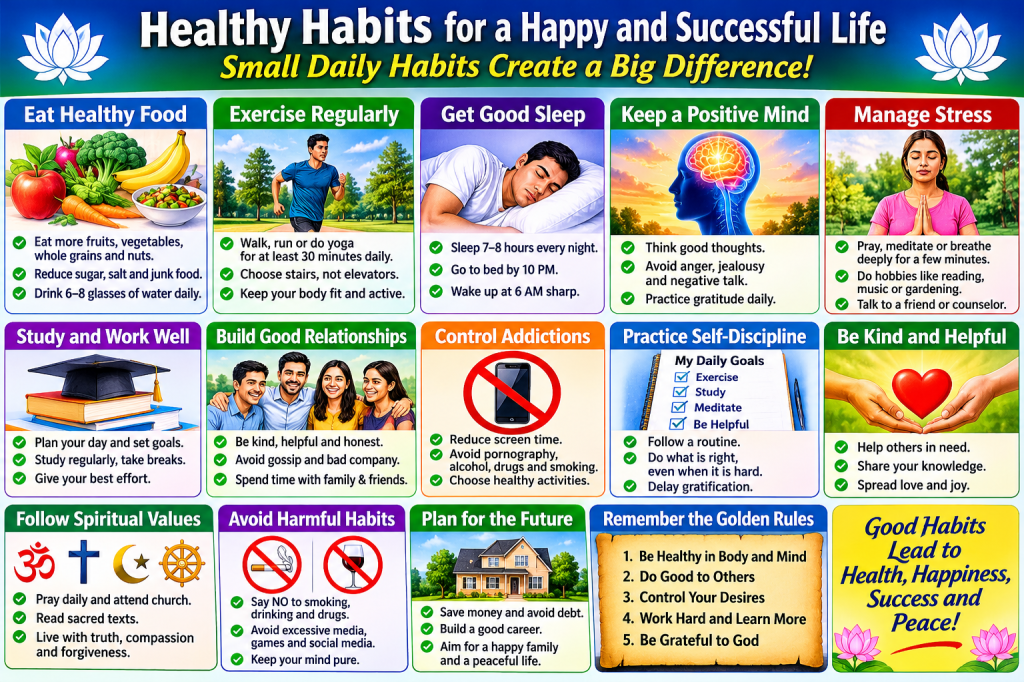
12 sections of advice for 17-year-olds to support mental health
IMPORTANT NOTE
Healthy habits can support mental well-being, but no list of habits can guarantee that mental illness will be prevented. Bipolar disorder and other mental health conditions can arise for many reasons, including biological and genetic factors. These conditions are not proof of weak character, insufficient faith, or a lack of discipline. Healthy routines work alongside—not instead of—professional care.
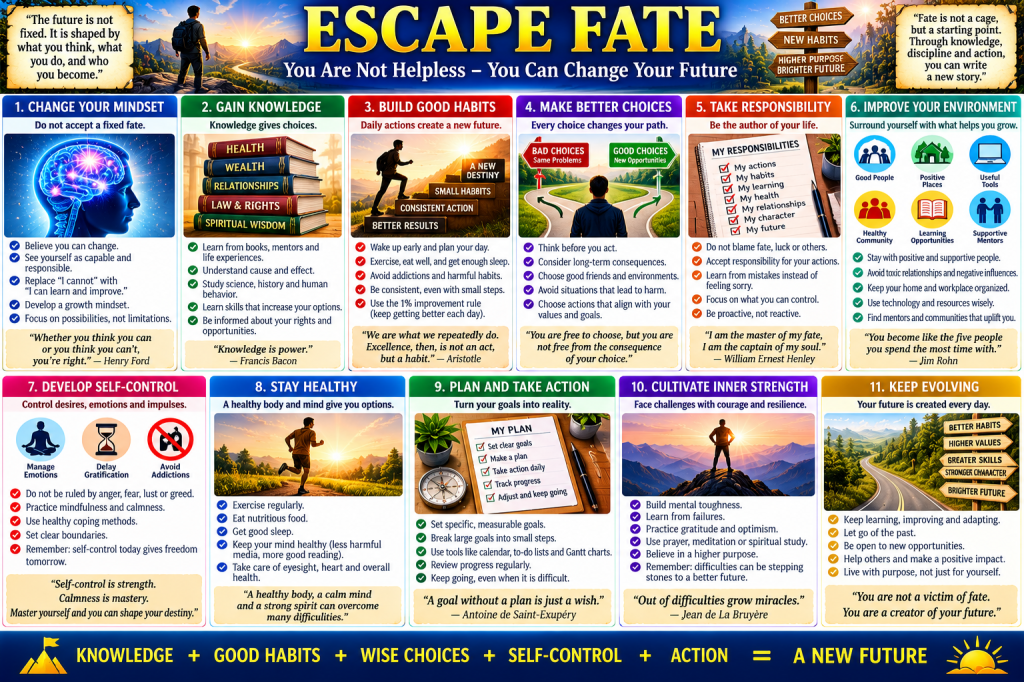
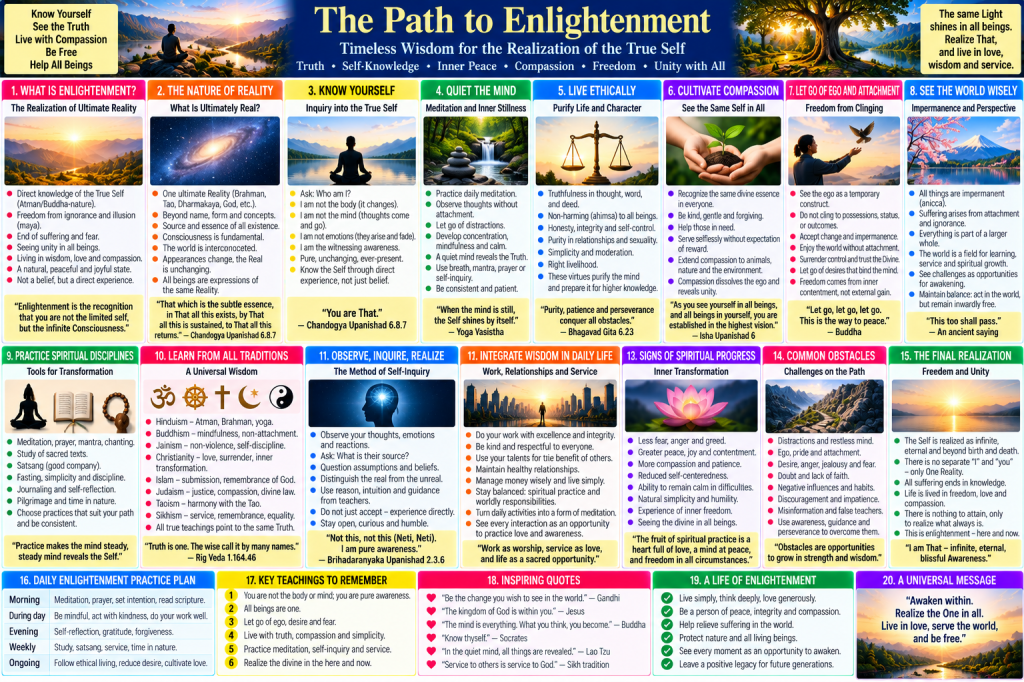
- SPIRITUAL LIFE AND PERSONAL VALUES
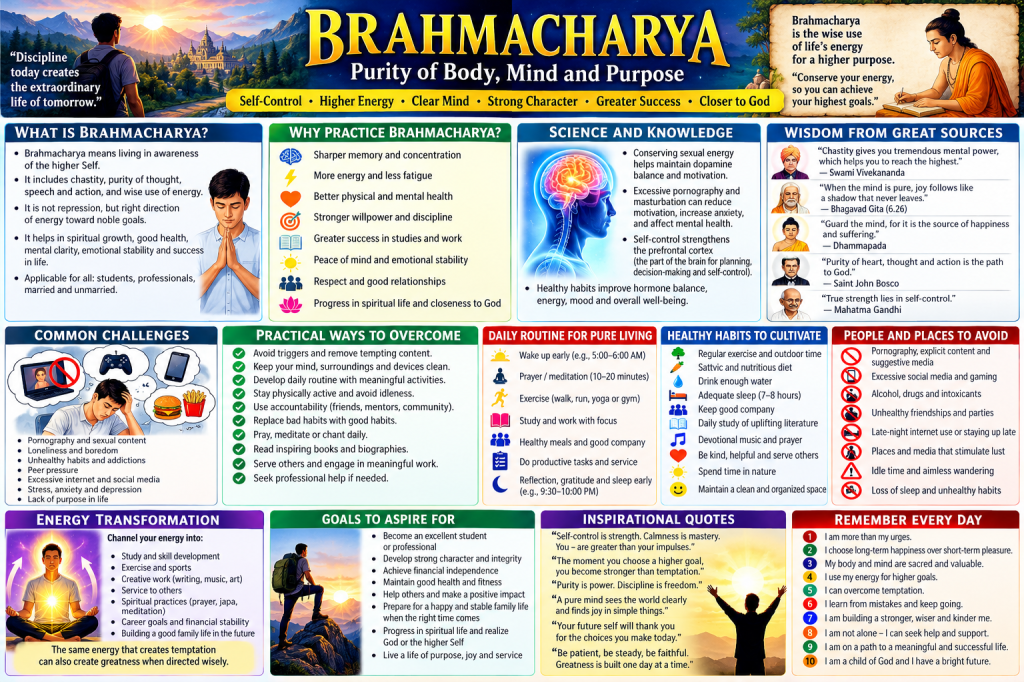
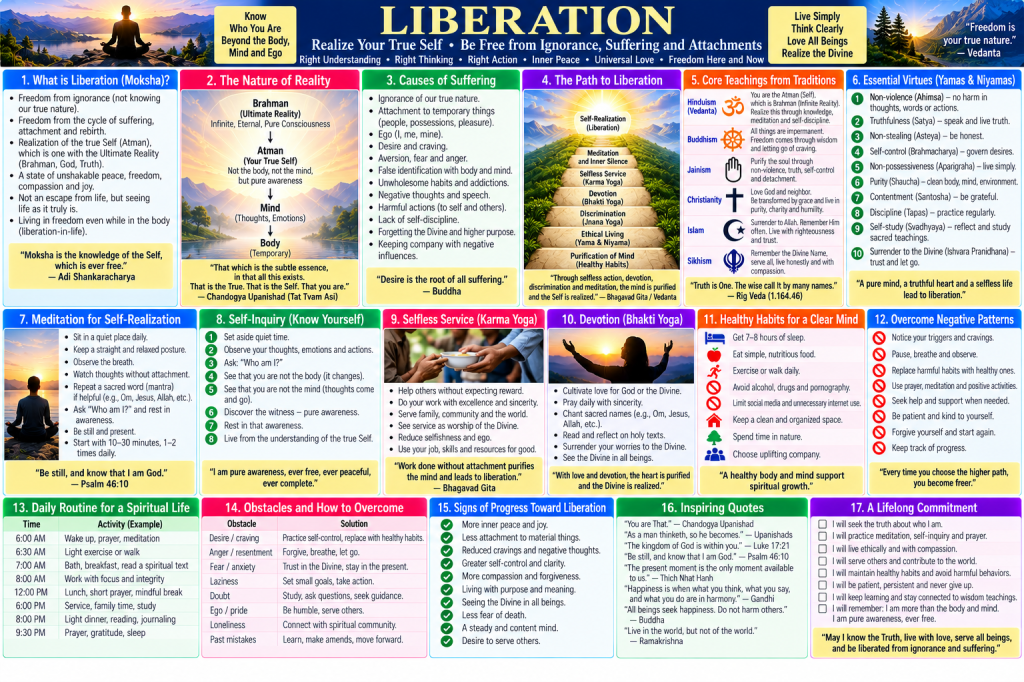
If faith is important to you, make time for prayer, religious services, Bible reading, or other spiritual study. Practices such as gratitude, compassion, forgiveness, and service can help give life meaning and strengthen community connections. Respect people whose beliefs differ from yours, and remember that seeking medical care is compatible with spiritual life. - CHASTITY, SELF-CONTROL, AND DISCIPLINE
Choose values and boundaries that fit your beliefs and help you treat yourself and others with respect. If you wish to practice chastity or brahmacharya, make it a positive, personal commitment rather than a source of shame. Manage online content thoughtfully, avoid material that conflicts with your values, and fill your time with meaningful activities. Sexual thoughts or urges do not mean that you are a bad person, and chastity cannot guarantee prevention of mental illness. - HEALTHY FOOD AND NUTRITION
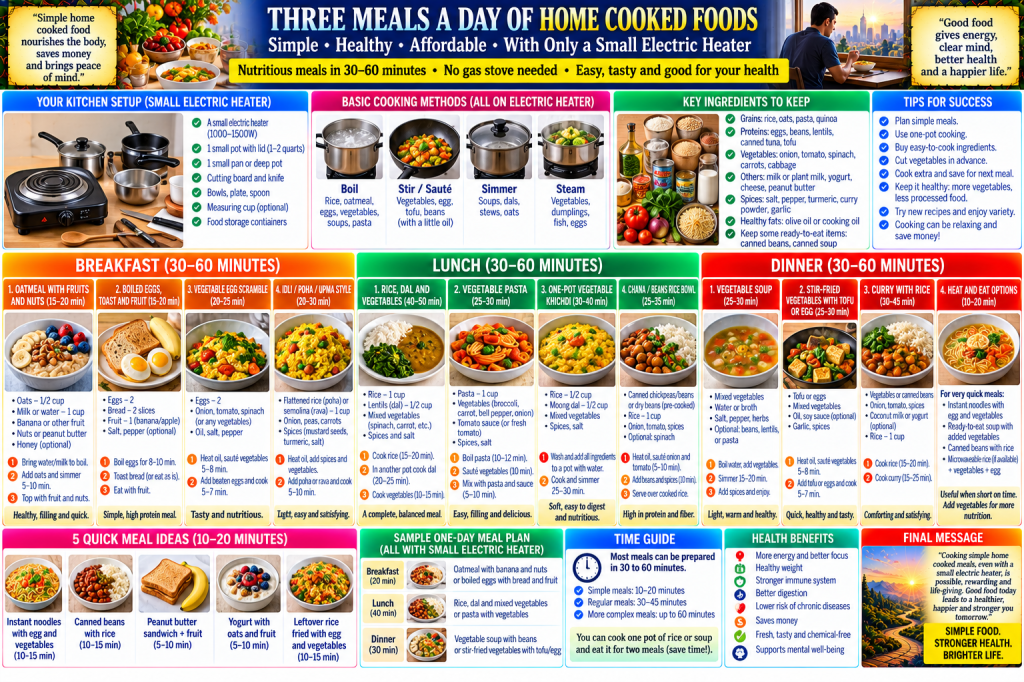
Eat regular, balanced meals. Aim to include vegetables and fruit, whole grains, protein sources, and healthy fats. Drink water regularly and limit excessive sugary drinks, highly processed snacks, and caffeine—especially later in the day. Avoid using alcohol or drugs. If food, appetite, or weight becomes a concern, ask a qualified health professional for guidance rather than following extreme diets. - REGULAR PHYSICAL ACTIVITY
Move your body in ways you enjoy, such as walking, cycling, dancing, swimming, playing a sport, or doing age-appropriate strength exercises. Build up gradually and aim for regular activity throughout the week. Outdoor time and daylight can also support a healthy routine. Exercise may help mood and stress, but it is not a substitute for treatment when treatment is needed. - HEALTHY SLEEP HABITS
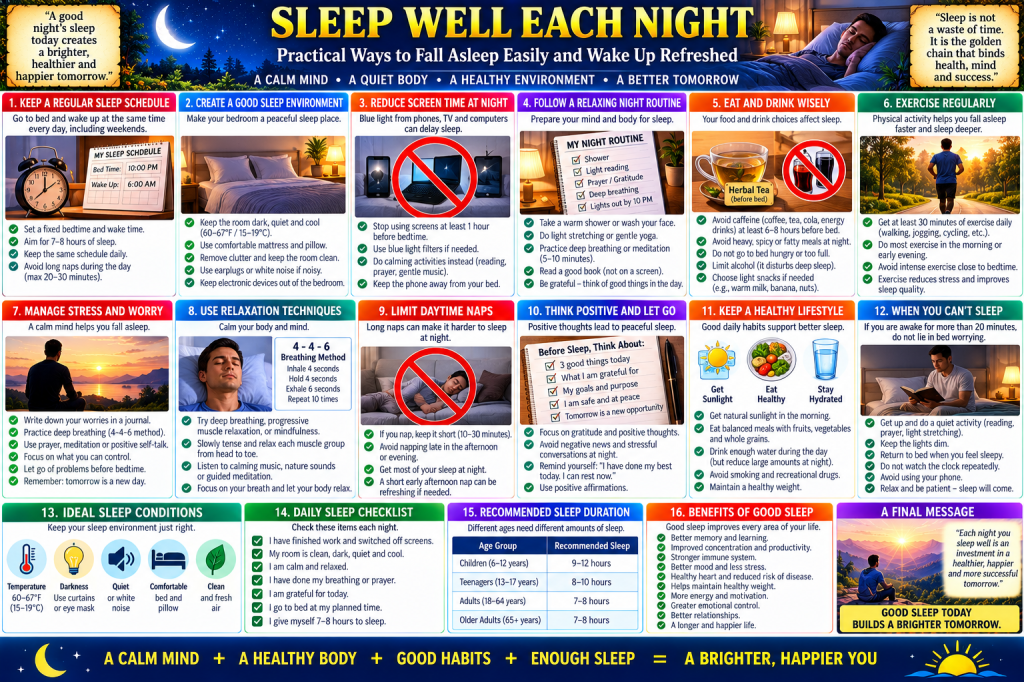
Teenagers generally need about 8–10 hours of sleep each night. Keep a reasonably consistent bedtime and wake-up time, create a calm sleeping environment, and reduce bright screens before bed. Avoid caffeine late in the day. If you have persistent trouble sleeping, feel unusually energetic despite very little sleep, or experience major changes in your sleep pattern, tell a trusted adult and contact a health professional. - BALANCE SCREEN TIME AND SOCIAL MEDIA
Use phones, games, and social media intentionally. Take regular breaks, protect time for sleep and schoolwork, and make room for face-to-face relationships and offline interests. Curate feeds that leave you feeling informed and encouraged; mute or block content that causes distress. There is no single screen-time limit that works for everyone, so notice how your use affects your sleep, mood, attention, and daily responsibilities. - BUILD SUPPORTIVE FAMILY RELATIONSHIPS
When possible, stay connected with parents, guardians, relatives, or other trusted adults. Talk honestly about stress and problems, listen respectfully, and spend time together doing ordinary activities. If home is unsafe or you cannot talk comfortably with family, reach out to another trusted adult, school counselor, healthcare professional, or youth support service. You deserve safety and support. - CHOOSE SUPPORTIVE FRIENDS AND ENVIRONMENTS
Spend time with people who respect your boundaries, encourage healthy choices, and accept you as you are. Join positive communities such as school clubs, sports, arts groups, volunteering, faith communities, or hobby groups. Avoid pressuring others and seek help if you experience bullying, threats, or abuse. Healthy friendships can provide belonging, encouragement, and practical support. - AVOID ALCOHOL, NICOTINE, AND OTHER DRUGS
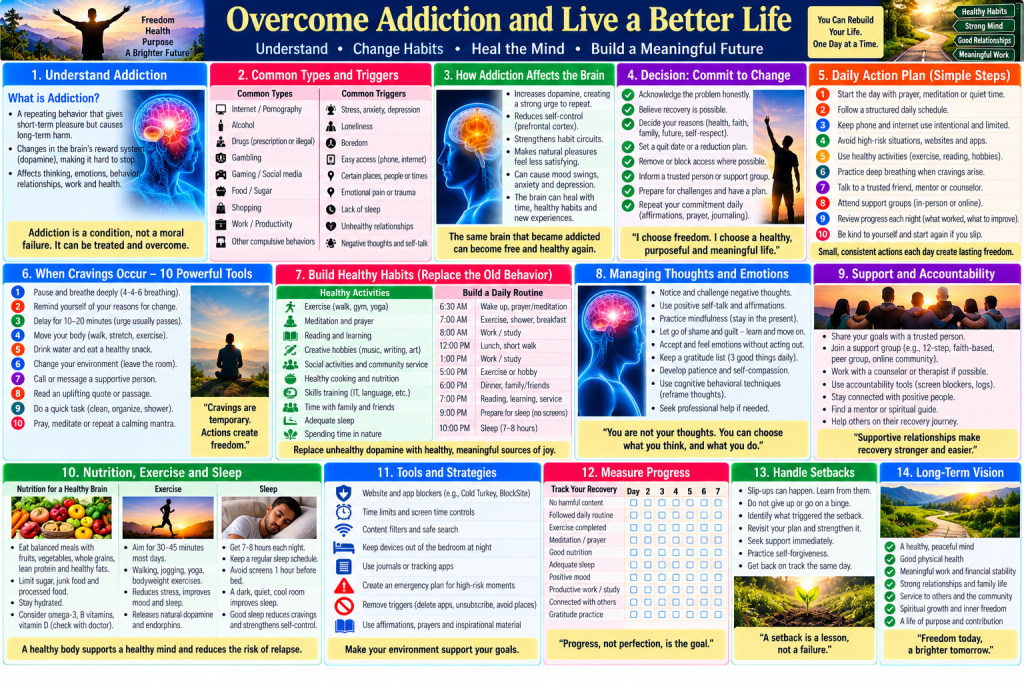
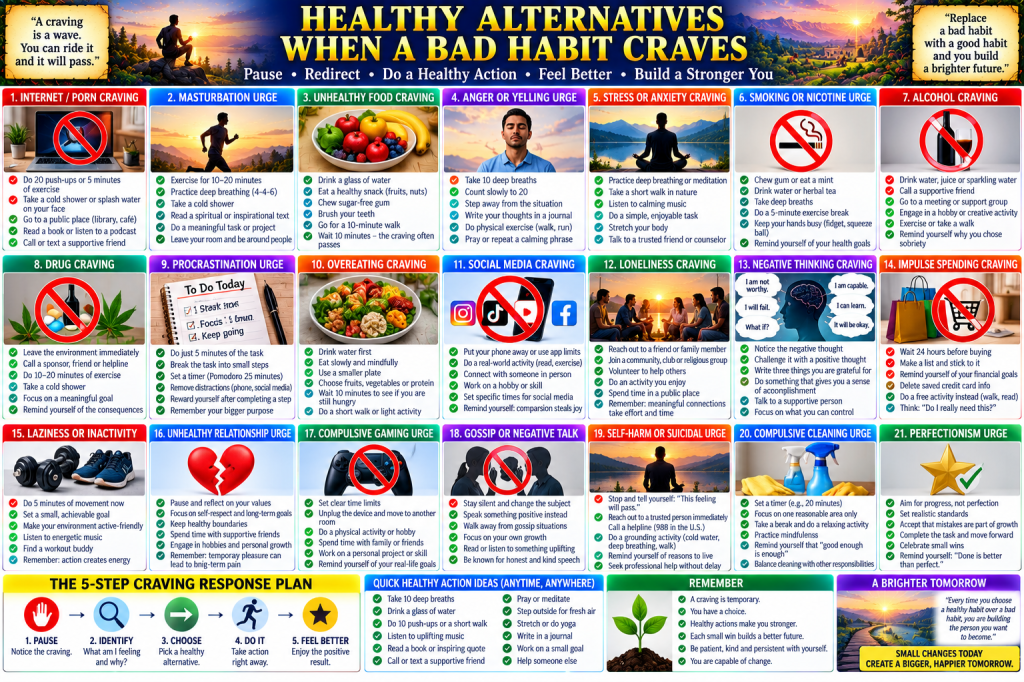
Avoid alcohol, nicotine, cannabis, and other non-prescribed drugs, especially during adolescence. These substances can affect judgment, sleep, mood, and brain development, and may worsen mental health symptoms in some people. Do not take another person’s medication or change your own medication without medical advice. If you are already using a substance and find it difficult to stop, speak with a healthcare professional without shame. - MANAGE STRESS AND EMOTIONS
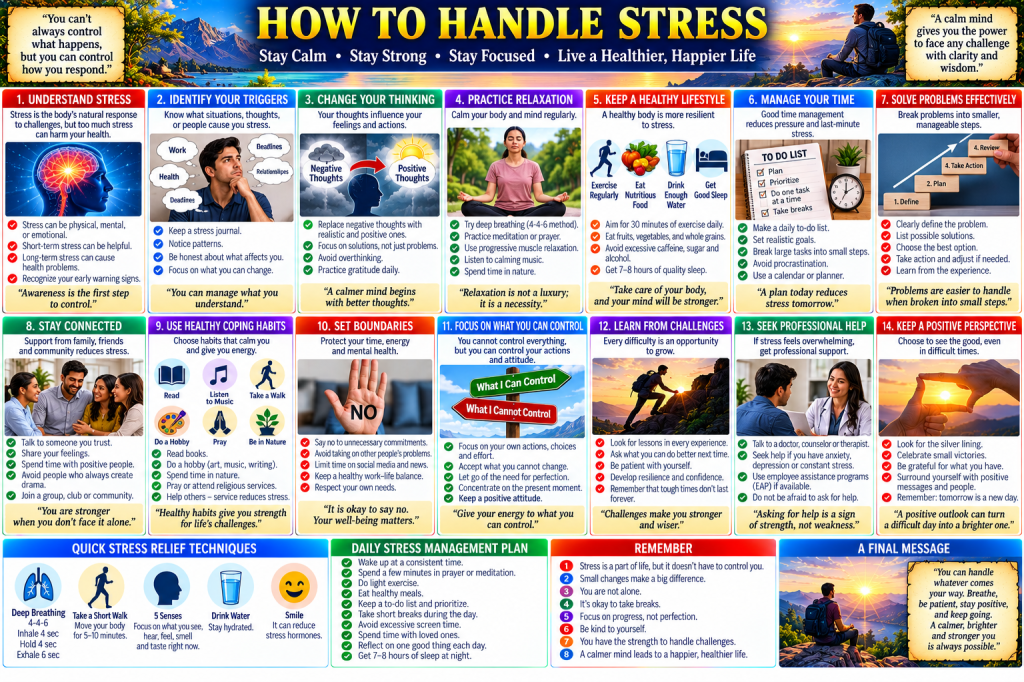
Learn several healthy ways to respond to stress: slow breathing, prayer or meditation, journaling, music, walking, creative activities, or talking with someone you trust. Break large tasks into smaller steps and allow time for rest. Notice changes in mood, energy, concentration, sleep, and behavior. Do not try to handle serious or persistent distress alone; ask for support early. - PURSUE MEANINGFUL ACTIVITIES AND GOALS
Set realistic goals for school, work, relationships, service, and personal interests. Build skills through reading, music, art, sports, practical projects, or volunteering. Use a simple routine and celebrate small steps rather than demanding perfection. Purposeful activities can bring enjoyment and connection, but rest and flexibility are important too. Your worth does not depend on grades, productivity, or flawless self-control. - SEEK PROFESSIONAL HELP EARLY
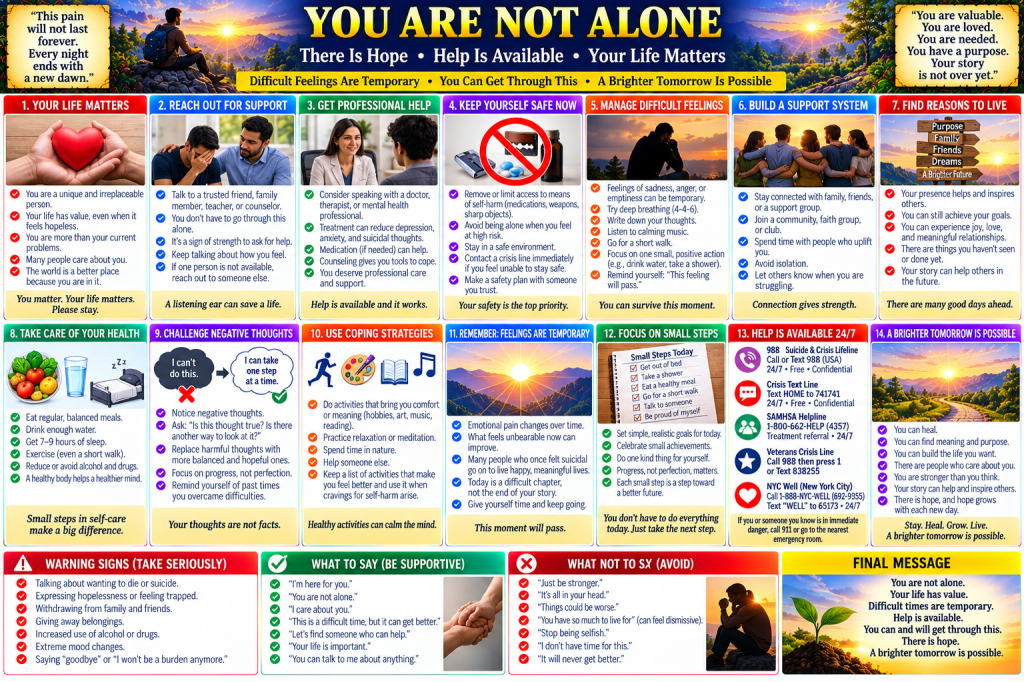
Contact a doctor, mental health professional, or school counselor if you experience persistent sadness, loss of interest, severe anxiety, major sleep changes, unusual increases in energy, racing thoughts, impulsive behavior, difficulty functioning, or other worrying changes. Bipolar disorder is a medical condition that requires professional assessment; it is not caused simply by poor discipline, lack of prayer, or sexual thoughts. Treatment may include therapy, medication, education, and support. If you already take medication, do not stop or change it without talking to your prescriber.
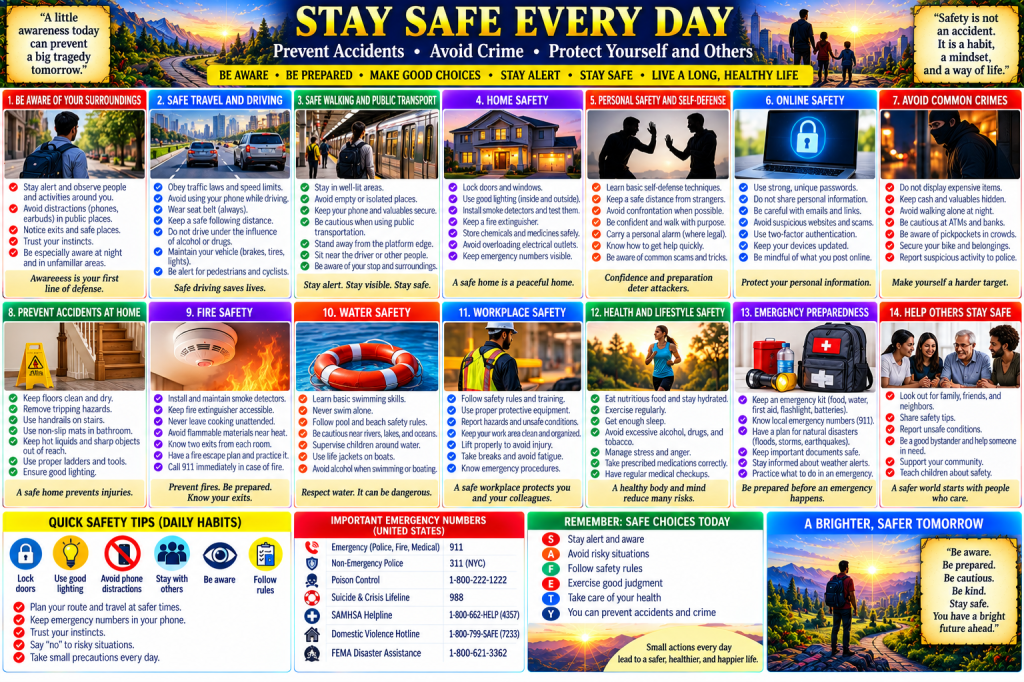
If you might hurt yourself or someone else, or cannot stay safe, tell a trusted adult immediately and seek urgent help. In the United States, call or text 988 for the Suicide & Crisis Lifeline; call 911 for an immediate life-threatening emergency.
A FINAL MESSAGE
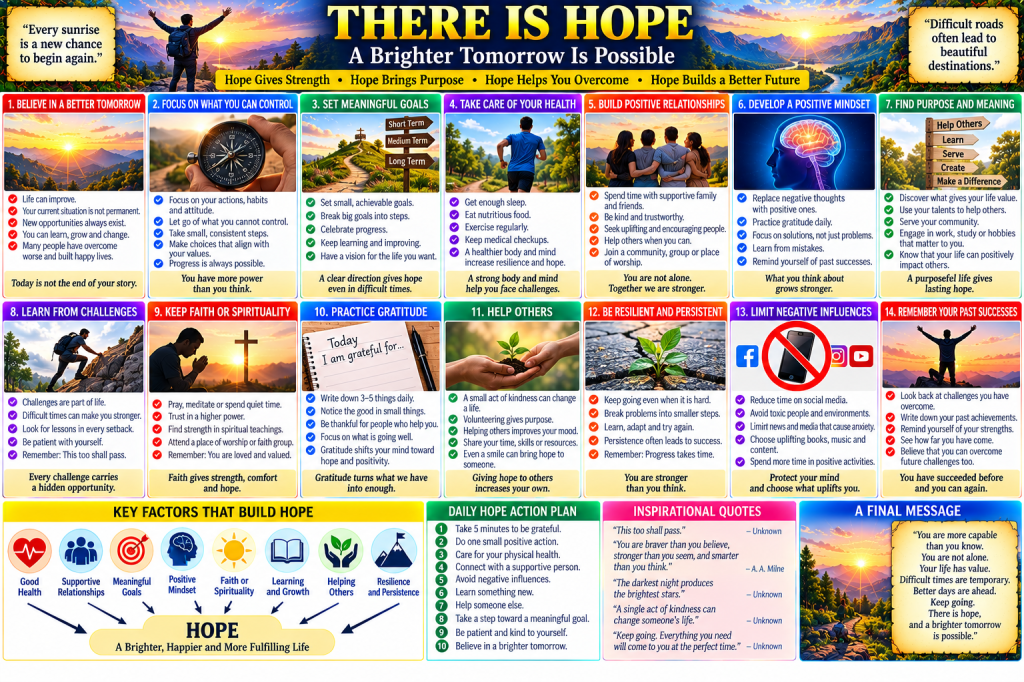
Build healthy habits with patience, kindness, and support. Faith, self-control, sleep, nutrition, exercise, positive relationships, and purposeful activities can all contribute to well-being. None guarantees that mental illness will never occur, and needing treatment is not a personal failure. Early help can make a real difference. You are worthy of care, respect, and hope.
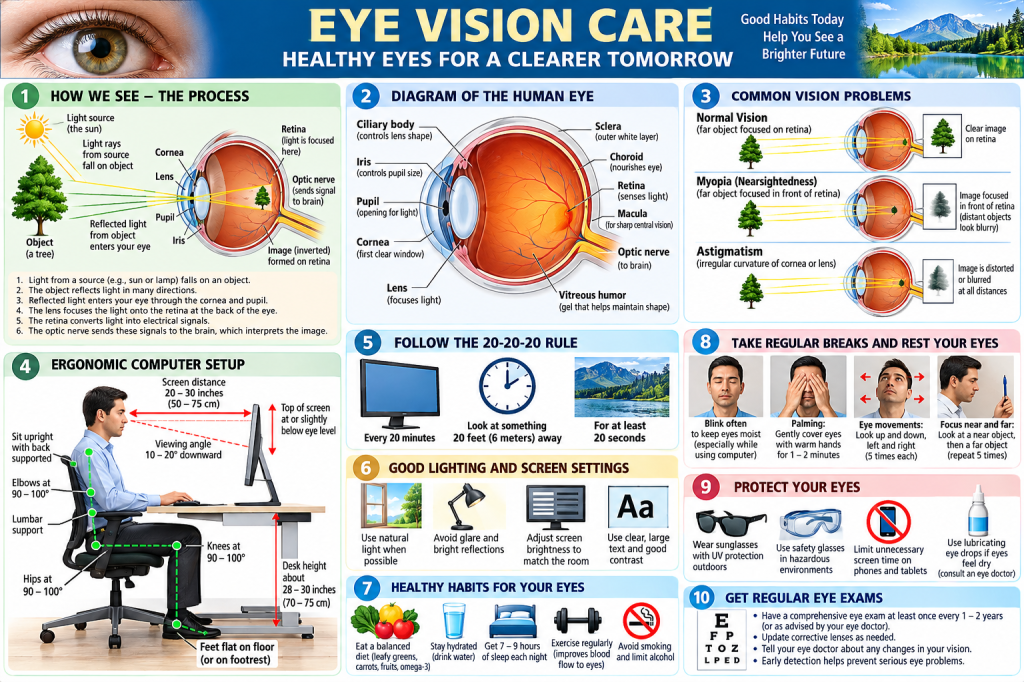
10/16/26 EYE VISION CARE
Healthy Eyes for a Clearer Tomorrow
An Educational Guide to Eye Health and Safe Computer Use
Our eyes help us read, work, learn, travel, and enjoy the world around us. Good eye-care habits and a properly arranged computer workstation can help reduce eye strain and improve comfort during the workday.
This guide explains how vision works, describes common vision problems, and provides practical advice for protecting your eyes.
Important: This guide provides general educational information. It does not replace an examination or advice from a qualified eye-care professional.
1. How We See: The Process of Vision
Vision begins when light enters our eyes.
- A light source, such as the sun or a lamp, produces light.
- Light travels from the source and falls on an object, such as a tree, book, or computer screen.
- The object reflects light in many directions.
- Some of the reflected light enters our eyes through the cornea and pupil.
- The cornea and lens bend and focus the incoming light toward the retina at the back of the eye.
- The retina converts light into electrical signals.
- The optic nerve carries these signals to the brain.
- The brain processes the signals and enables us to recognize the object we are seeing.
The image formed on the retina is inverted. The brain processes the visual information so that we perceive the world in its normal orientation.
Key message: Clear vision depends on the proper functioning of the eyes, the optic nerves, and the brain.
2. Understanding the Human Eye
The human eye contains several important structures.
Cornea: The clear front surface of the eye. It begins the process of bending incoming light.
Iris: The colored part of the eye. It controls the size of the pupil.
Pupil: The opening in the center of the iris through which light enters the eye.
Lens: A transparent structure that changes shape to help focus light, particularly when looking at objects at different distances.
Retina: The light-sensitive tissue lining the back of the eye. It contains cells that convert light into electrical signals.
Macula: The central region of the retina responsible for detailed central vision, such as reading and recognizing faces.
Optic nerve: The nerve that carries visual information from the retina to the brain.
Sclera: The tough, white outer covering that protects and supports the eye.
Choroid: A layer containing blood vessels that supplies nourishment to much of the retina.
Vitreous humor: The clear, gel-like substance that fills the main interior of the eye and helps maintain its shape.
Key message: Protecting your vision means caring for your eyes as a whole and obtaining regular professional eye examinations.
3. Common Vision Problems
Myopia (Nearsightedness)
A person with myopia can usually see nearby objects more clearly than distant objects. Light from distant objects focuses in front of the retina rather than directly on it.
Corrective glasses or contact lenses can help focus light appropriately. An eye-care professional can determine the correct prescription.
Hyperopia (Farsightedness)
A person with hyperopia may have difficulty focusing on nearby objects, although the symptoms vary with age and the degree of hyperopia.
Corrective lenses may help bring objects into clear focus.
Astigmatism
Astigmatism occurs when the cornea or lens has an irregular curvature. It can cause blurred or distorted vision at near or far distances.
Corrective glasses or contact lenses can usually improve clarity.
Presbyopia
Presbyopia is an age-related reduction in the eye’s ability to focus on nearby objects. People may find that reading material needs to be held farther away.
Reading glasses, multifocal lenses, or other prescribed corrections may help.
Digital Eye Strain
Long periods of computer use can contribute to tired eyes, dryness, headaches, temporary blurred vision, and difficulty maintaining focus.
Taking breaks, blinking regularly, adjusting the screen, and correcting vision problems can help reduce discomfort.
Important: Computer use can cause eye strain, but it does not automatically explain every change in eyesight. Persistent or worsening blurred vision should be assessed by an eye-care professional.
4. Proper Computer Workstation Setup
A comfortable workstation helps reduce unnecessary strain on the eyes, neck, shoulders, back, and wrists.
Screen Distance
Position the monitor approximately 20 to 30 inches (50 to 75 centimeters) from your eyes as a practical starting point.
Adjust the distance so that you can read comfortably without leaning forward, squinting, or straining your neck.
Screen Height
Position the top of the screen at or slightly below eye level in most standard monitor setups.
Your eyes should naturally look slightly downward toward the center of the screen.
If you use large monitors, bifocal lenses, or progressive lenses, a lower monitor position may be more comfortable.
Sitting Posture
- Sit upright with your back supported by the chair.
- Use lumbar support to support the natural curve of your lower back.
- Keep your shoulders relaxed.
- Keep your elbows near your body, generally at an angle of about 90 to 100 degrees.
- Keep your wrists in a comfortable, neutral position.
- Position your knees at a comfortable angle, often around 90 to 100 degrees.
- Keep your feet flat on the floor or on a footrest.
- Place the keyboard and mouse where you can reach them without stretching.
Desk and Chair Height
Adjust the chair so your feet are supported and your shoulders remain relaxed while typing.
Set the desk and keyboard height to allow comfortable elbow and wrist positions. Desk height should suit your body and chair rather than follow one measurement for everyone.
Screen Position
Place the monitor directly in front of you to avoid repeatedly twisting your neck.
Position it to reduce reflections from windows, overhead lights, and other bright sources.
Key message: A comfortable workstation should fit your body. Adjust the equipment to suit your needs.
5. Follow the 20-20-20 Rule
A simple way to remember to rest your eyes is the 20-20-20 rule.
- Every 20 minutes,
- Look at something at least 20 feet (about 6 meters) away,
- For at least 20 seconds.
For example, look out a window at a distant building or tree.
This habit encourages you to interrupt prolonged close-up work and can help relieve digital eye strain.
The rule is a useful reminder, not a guarantee against eye problems. You may also benefit from longer breaks throughout the workday.
6. Good Lighting and Screen Settings
Use Comfortable Lighting
Use sufficient room lighting so that you can read without straining.
Whenever practical, make use of natural light without allowing direct sunlight to shine into your eyes or create strong screen reflections.
Reduce Glare
Position your monitor away from direct reflections from windows and bright lamps.
Use blinds, curtains, or appropriate lighting adjustments when needed.
Adjust Screen Brightness
Set the screen brightness to a comfortable level that is reasonably matched to the surrounding room.
A screen that is much brighter or darker than the environment may be uncomfortable.
Increase Text Size
Choose a font size that allows you to read comfortably without leaning forward or squinting.
Use good contrast between text and its background.
Keep the Screen Clean
Clean the monitor according to the manufacturer’s instructions. Dust, smudges, and fingerprints can interfere with comfortable viewing.
Use Night or Warm-Color Settings if Helpful
Some people find warmer screen colors comfortable in the evening. These settings may help with comfort, but they are not a substitute for breaks, proper lighting, or an appropriate prescription.
7. Healthy Habits for Your Eyes
Eat a Balanced Diet
Include a variety of vegetables, fruits, whole grains, legumes, and other nutritious foods.
Dark leafy greens, carrots, citrus fruits, and other colorful vegetables and fruits can contribute useful nutrients to a balanced diet.
Stay Hydrated
Drink water regularly according to your needs and any medical advice you have received.
Get Adequate Sleep
Most adults need approximately seven to nine hours of sleep each night.
Adequate sleep supports general health and may help reduce tiredness and discomfort associated with long working days.
Exercise Regularly
Regular physical activity supports general health and may help reduce the risk of certain conditions that can affect vision.
Avoid Smoking
Smoking increases the risk of several serious eye diseases, including age-related macular degeneration and cataracts.
Avoid tobacco and seek support if you want to stop smoking.
Manage Long Periods of Close Work
Alternate computer tasks with activities that allow you to look farther away when possible.
Remember that breaks help with comfort, but they do not replace appropriate glasses or medical care.
8. Take Regular Breaks and Rest Your Eyes
Blink Frequently
People often blink less frequently while concentrating on a screen.
Make a conscious effort to blink fully and regularly. This helps spread tears over the surface of the eyes.
Try Gentle Eye Rest
Close your eyes gently for a short period when appropriate. Do not press or rub your eyes.
Look in Different Directions
During a break, look comfortably upward, downward, and from side to side without forcing your eyes or causing discomfort.
These movements may help you relax, but they are not proven methods for correcting myopia or astigmatism.
Focus on a Distant Object
After prolonged close work, look at a distant object for several seconds. This gives you an opportunity to interrupt continuous near focusing.
Take Longer Breaks
Stand up, stretch, walk briefly, and move away from the workstation when possible.
Key message: Rest breaks can improve comfort, but they do not eliminate the need for corrective lenses or professional eye care.
9. Protect Your Eyes
Wear Sunglasses Outdoors
Choose sunglasses that provide 100% UVA and UVB protection or are labeled UV400.
Wear them outdoors when appropriate, including on bright days.
Use Safety Glasses When Needed
Wear suitable protective eyewear during activities that involve flying particles, chemicals, or other eye hazards.
Ordinary prescription glasses may not provide adequate workplace protection.
Use Contact Lenses Safely
Follow the cleaning, replacement, and wearing instructions provided by your eye-care professional.
Never sleep in contact lenses unless specifically directed by a qualified professional, and never expose contact lenses to water when avoidable.
Use Eye Drops Appropriately
If your eyes feel dry, ask a pharmacist or eye-care professional about suitable lubricating eye drops.
Avoid using medicated eye drops, including steroid or antibiotic drops, without appropriate medical guidance.
Limit Unnecessary Screen Use
Take breaks from recreational screen use when your eyes feel tired. There is no single screen-time limit that applies to every adult, but avoiding unnecessarily prolonged sessions may improve comfort.
10. Get Regular Eye Examinations
Regular eye examinations help assess vision and detect certain eye conditions before they cause noticeable symptoms.
The appropriate examination schedule depends on your age, health, symptoms, family history, and risk factors. Ask your eye-care professional how often you should be examined.
During an eye examination, the professional may assess:
- Distance and near vision.
- The need for updated corrective lenses.
- Eye alignment and focusing.
- The health of the front and back of the eyes.
- Eye pressure and other tests when appropriate.
Update Your Prescription When Needed
If your current glasses do not provide clear or comfortable vision, arrange an examination rather than relying on an old prescription.
Tell the professional about difficulties seeing distant objects, headaches, eye strain, or changes in vision.
Seek Urgent Care for Warning Signs
Get urgent medical attention for sudden vision loss, a sudden increase in floaters, flashes of light, a curtain-like shadow across your vision, or severe eye pain.
Do not wait for a routine appointment if these symptoms occur.
Key message: Regular professional eye care is an important part of protecting vision throughout life.
A Daily Eye-Care Checklist for Office Workers
Use this checklist as a daily reminder.
- My monitor is at a comfortable distance.
- My screen height and viewing angle are comfortable.
- My back is supported and my shoulders are relaxed.
- My feet are supported on the floor or a footrest.
- My screen is easy to read, with comfortable brightness and text size.
- I have reduced distracting glare and reflections.
- I take regular breaks and follow the 20-20-20 rule.
- I blink regularly and pay attention to eye dryness.
- I wear the corrective lenses recommended for my needs.
- I arrange professional eye examinations as advised.
Final Message: Protect Your Vision Every Day
Your eyes are valuable. Small daily habits can make computer work more comfortable and support your general eye health.
Set up your workstation properly, take regular breaks, use appropriate corrective lenses, protect your eyes from injury and ultraviolet light, and seek professional advice when your vision changes.
Clear vision begins with awareness, healthy habits, and timely eye care.
This educational guide is intended for general information. It is not a substitute for individualized medical advice, diagnosis, or treatment.